Launch into many accounts from one form
Fill in one form and get a Google Ads Script for each account, which you paste, preview and run yourself.
How it works
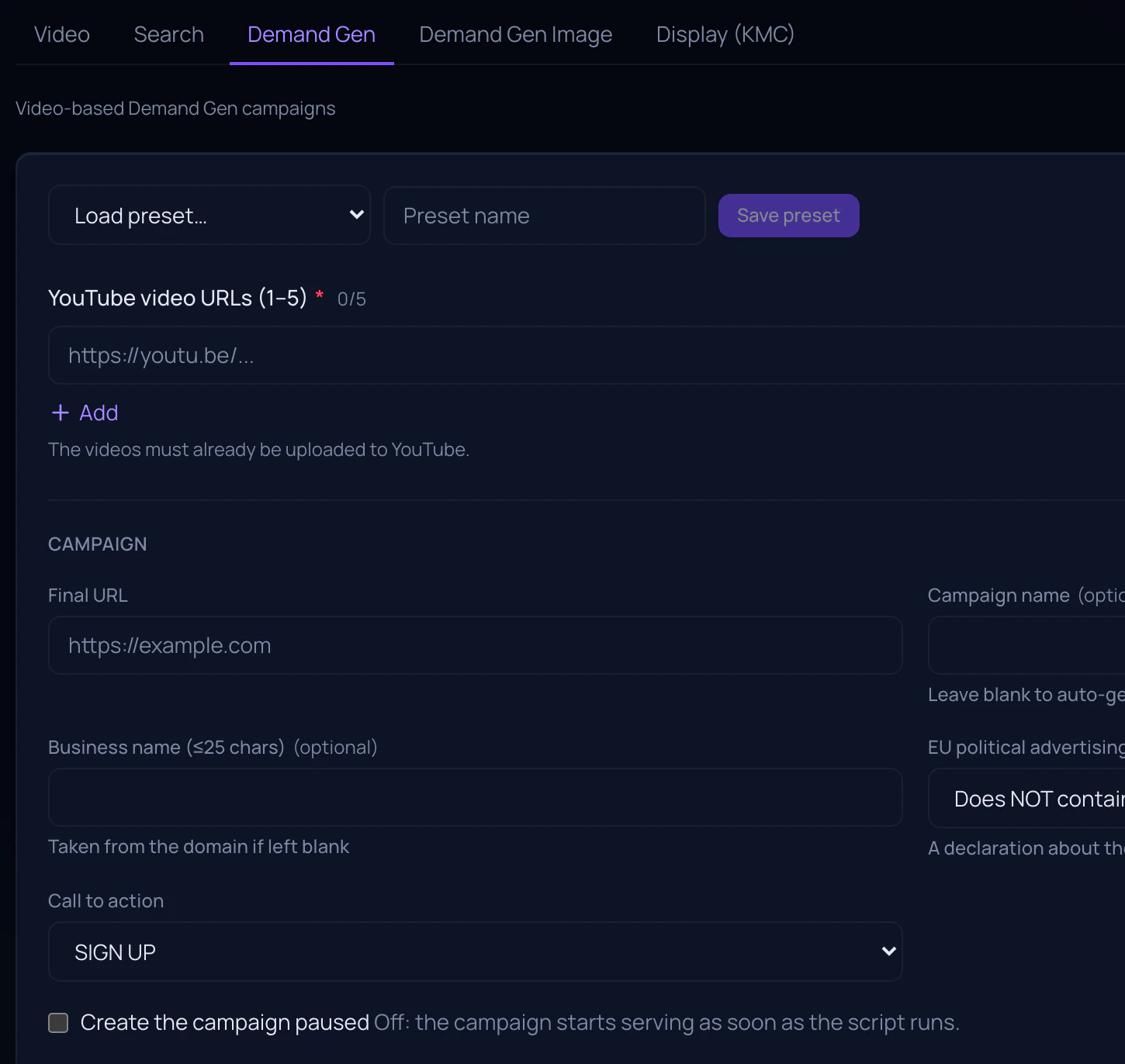
Describe the campaign once
Type, targeting, budget range, schedule, creatives, audiences and the accounts you are launching into. The form is the whole input.
Get one file per account
Each script carries its own budget and target CPA drawn from the range you set, so the accounts do not launch as identical twins.
Run it under your own access
Paste it under Tools and settings → Bulk actions → Scripts, preview what it will do, then run it. It creates the budget, the campaign, the targeting, the ad group and the ad.
What it builds
- Search, Video, Demand Gen, Demand Gen Image and Display — five types in all
- A campaign goes live as soon as the script runs — starting paused is a checkbox, not the default
- Each script runs in its own account’s currency and stops before creating anything if that is not the currency you entered
- Included on every plan at no extra cost, on the same three roles as the rest of the product
What it is not
- Not an API integration. We generate a file; Google runs it inside your account, under your access, and nothing it creates is written back to us.
- Not a rollback: the video ad is built after its campaign rather than inside the same batch, so if the ad fails the campaign is left standing and named for you to deal with.
- Not a bid manager. Nothing here sets or changes a bid, before or after launch.
How it is paid for
It is not. Autolaunch is part of every plan, including the smallest one, because it is a generator rather than a service we run for you — the work happens in your account, on your Google quota.